About Zone
Zone: drilling and logging data in one Windows app
Zone brings drilling and logging data from files and real-time feeds into one database, then gives you fast plots, dashboards, surveys, drilling calculations and processing tools to work with it.
Getting data in
- Files: LAS (including non-standard and elapsed-time LAS), DLIS, CSV, TXT, Excel and MATLAB .mat. Handles very large files and many vendor tool dump and memory-file formats.
- Import control: Units, date and time formats, filters, run start and stop times and depths, and mnemonic mapping with aliases.
- Other ways in: Paste from Excel, or import from another Zone database.
- Real time: WITS (serial, USB and virtual serial ports, plus a high-speed mode), with a warning when WITS data stops.
- WITSML: Reads WITSML data both in real time, at an interval you set, and as static data.
Organized storage
- A SQL Server database, either local (SQL Express) or in the cloud.
- Real-time data is written to the database as it arrives, so it can be monitored from anywhere in the world by another copy of Zone running in Follow Mode.
- Data is organized as projects, wells and runs, with survey sets, tool builds, BHA, casing and hole data.
- Tool Builder: Builds tools from sub-components, each recorded with its type, version and serial number, so tool builds can be used for Tool Tracking.
- Workspaces let you use local databases but still transfer data to colleagues quickly and easily.
Plots
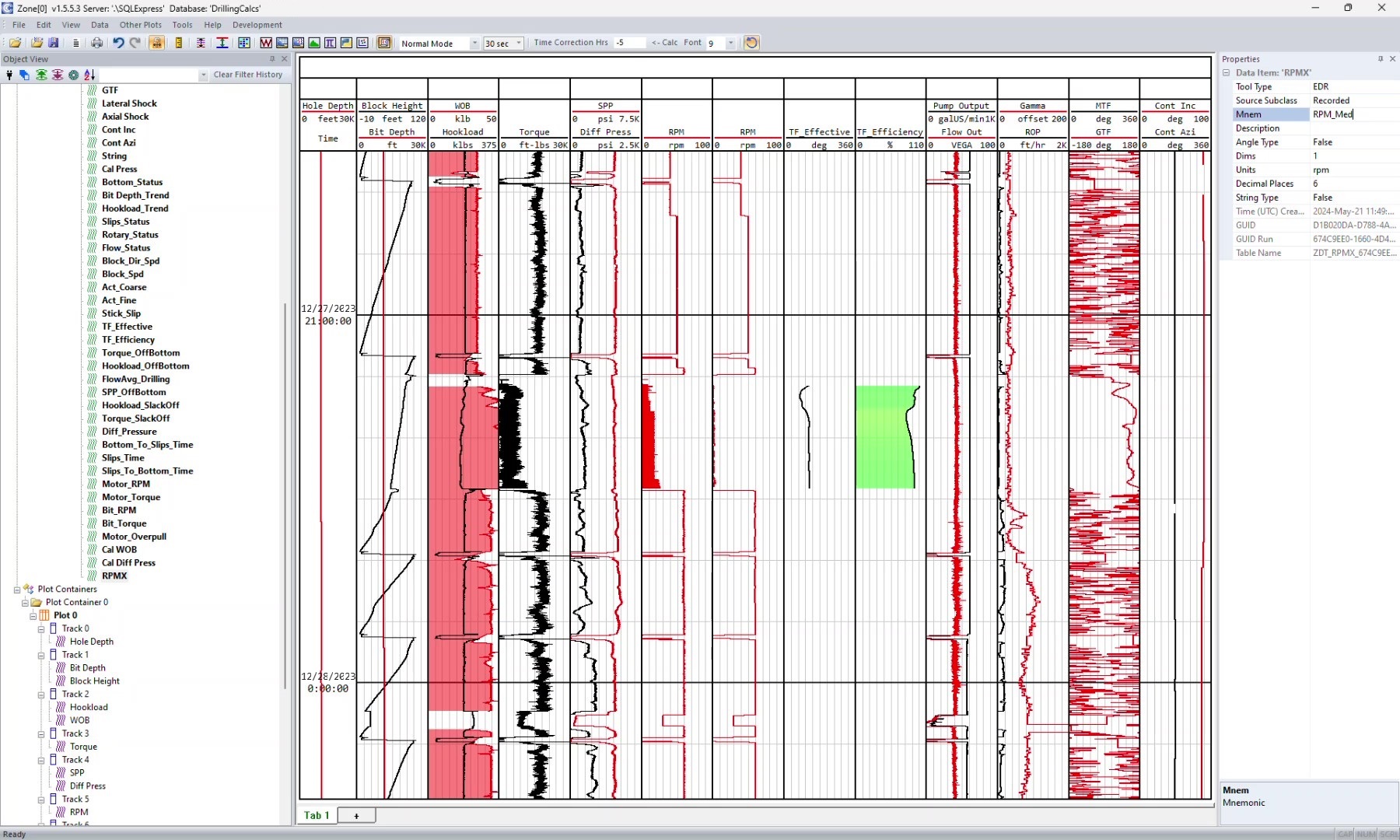
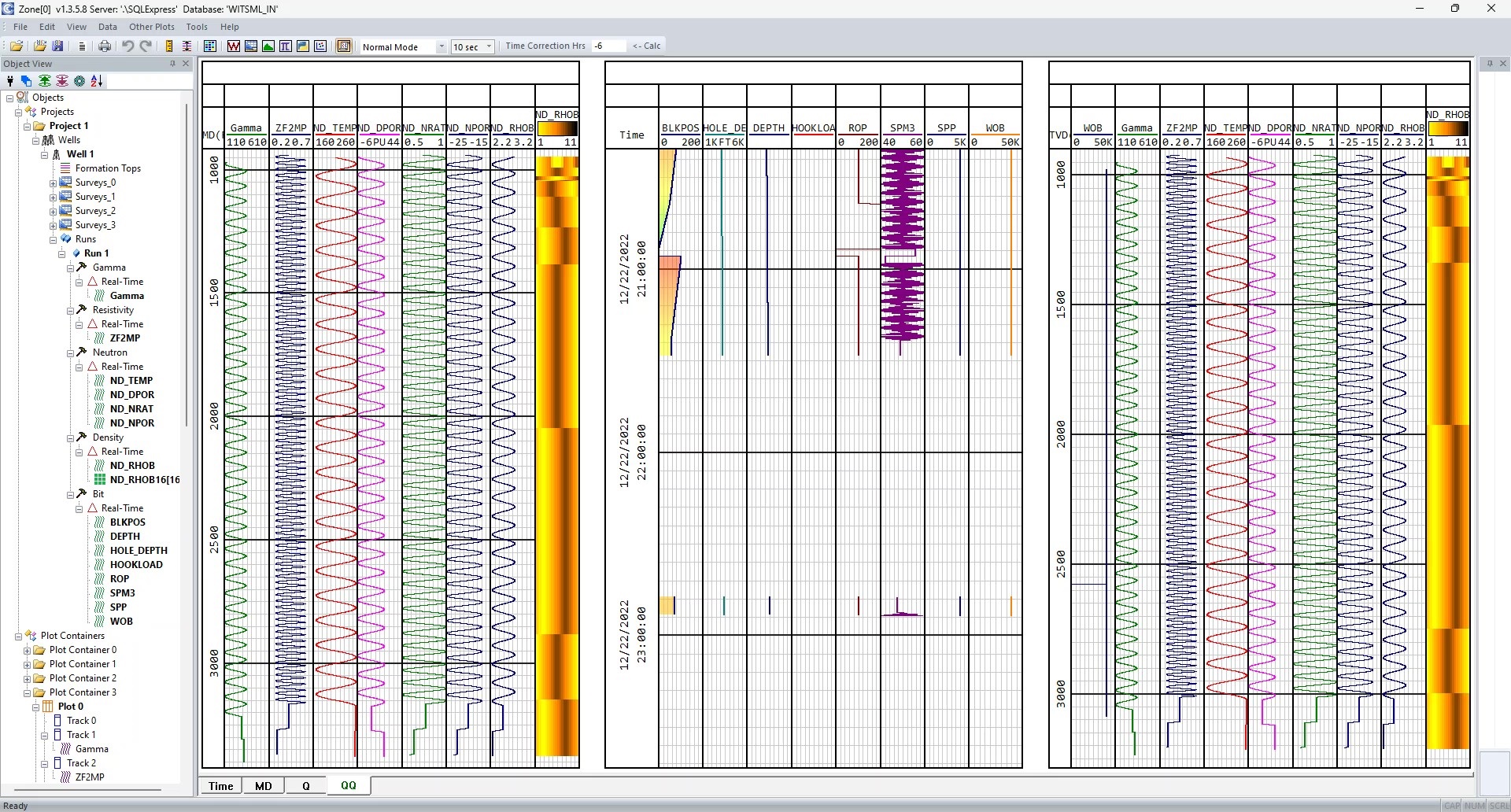
- Depth, time and TVD plots, vertical or horizontal, with draggable tracks.
- Multiple plot tabs, and each tab can hold multiple plots.
- Plot items: Curves, images, waveforms and FFTs.
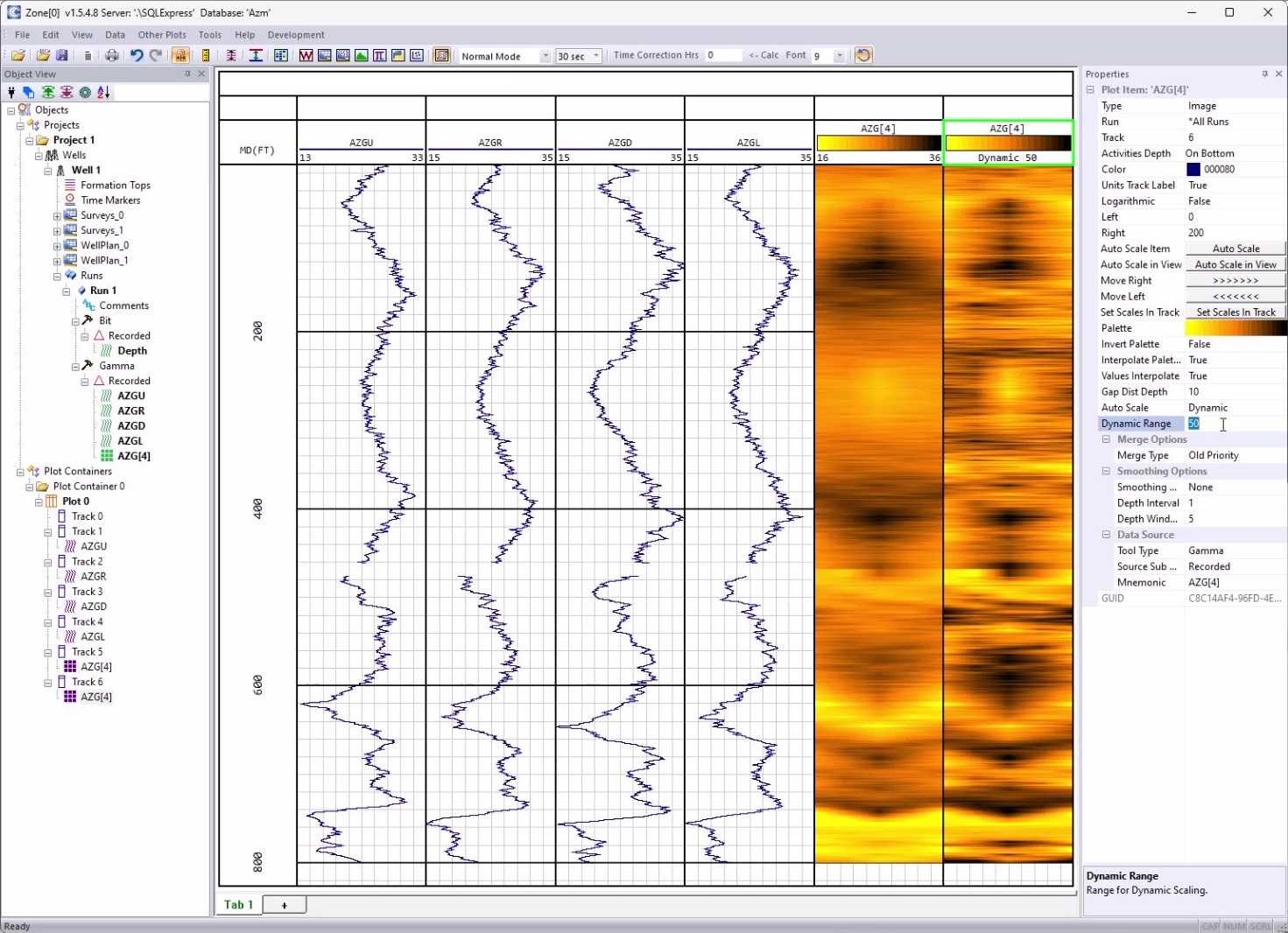
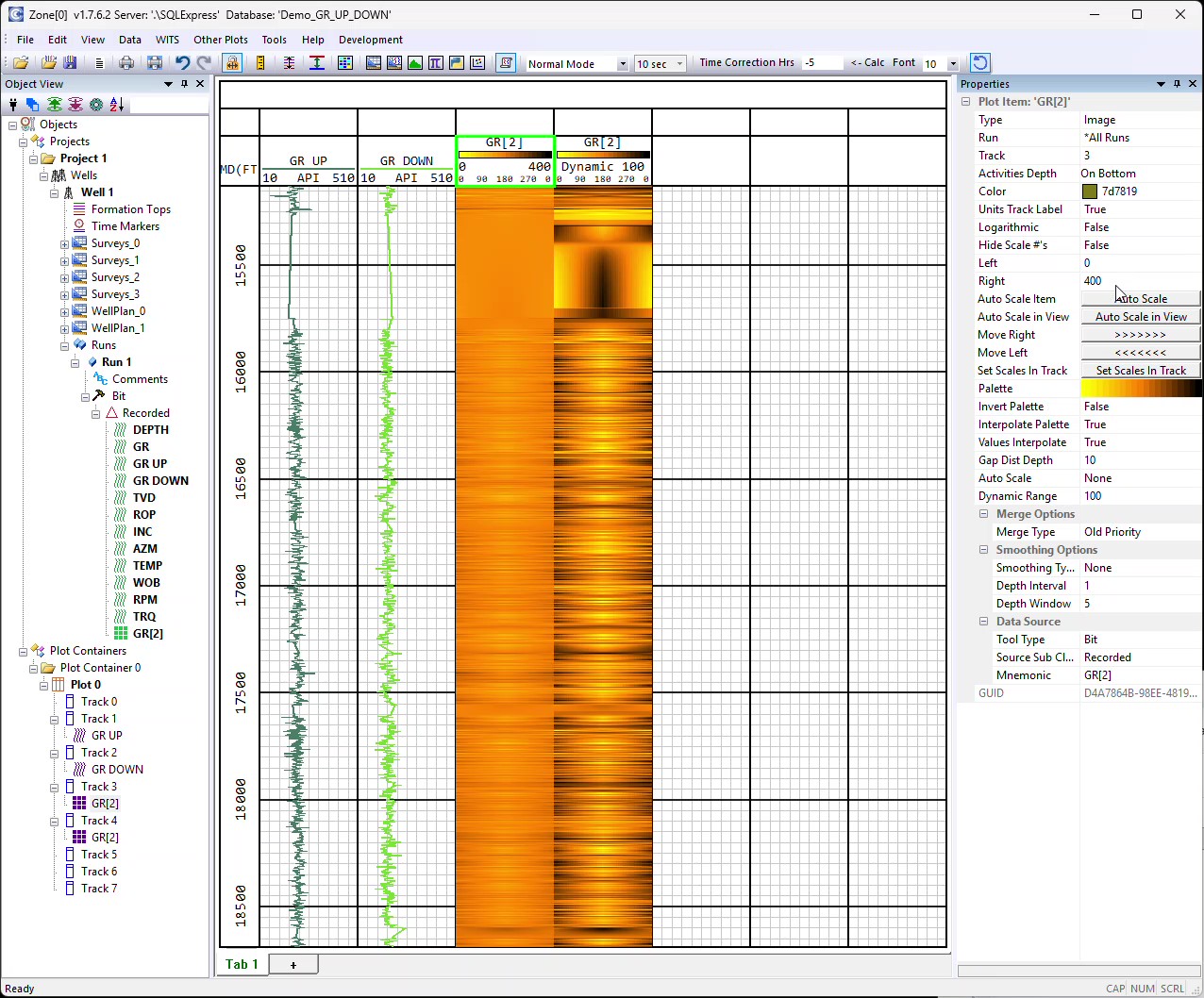
- Images: Azimuthal images, images built from any number of bins (2 bins (UD), 4 bins (UDLR), up to any number of bins), and real-time images from WITS, with an editable color palette.
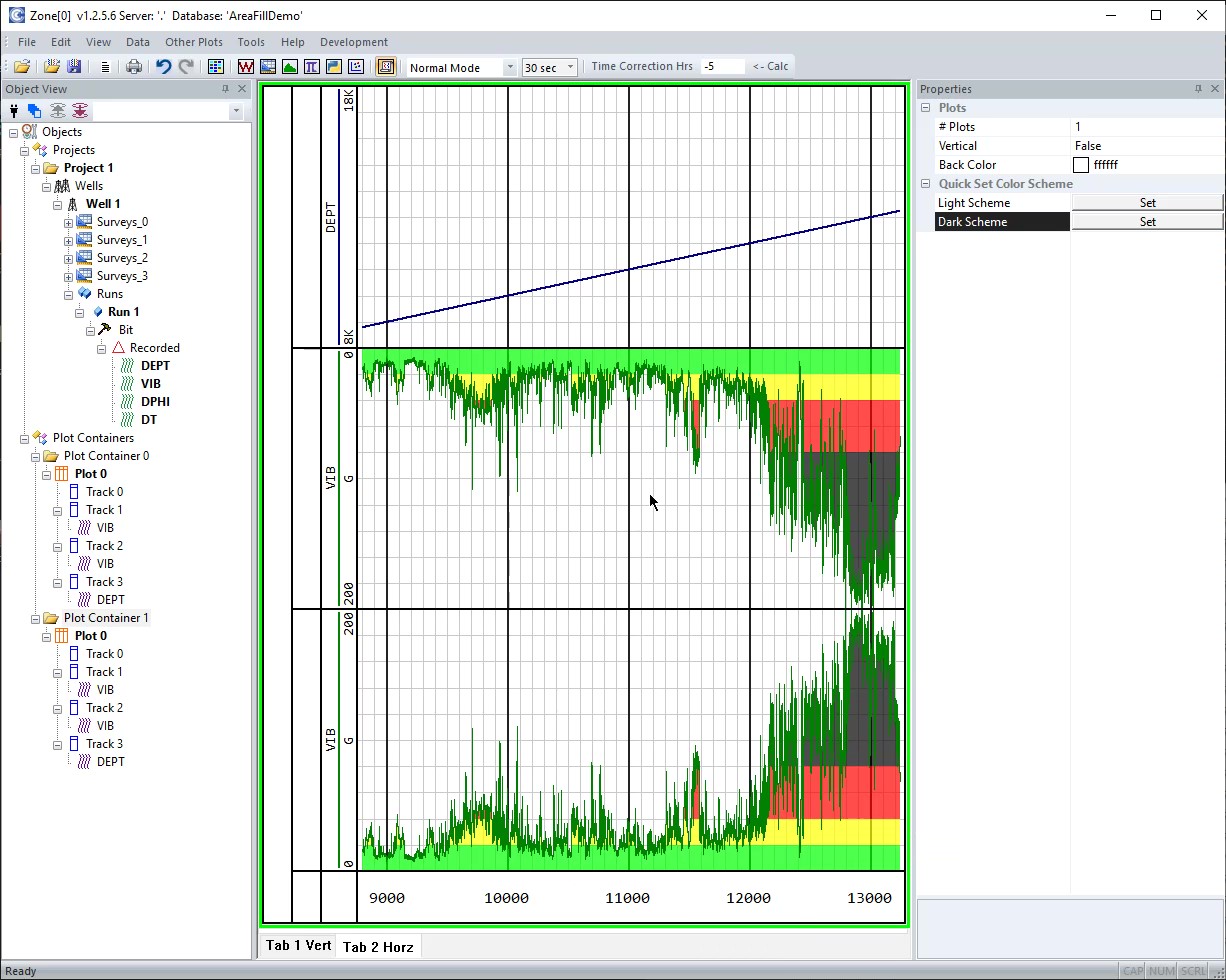
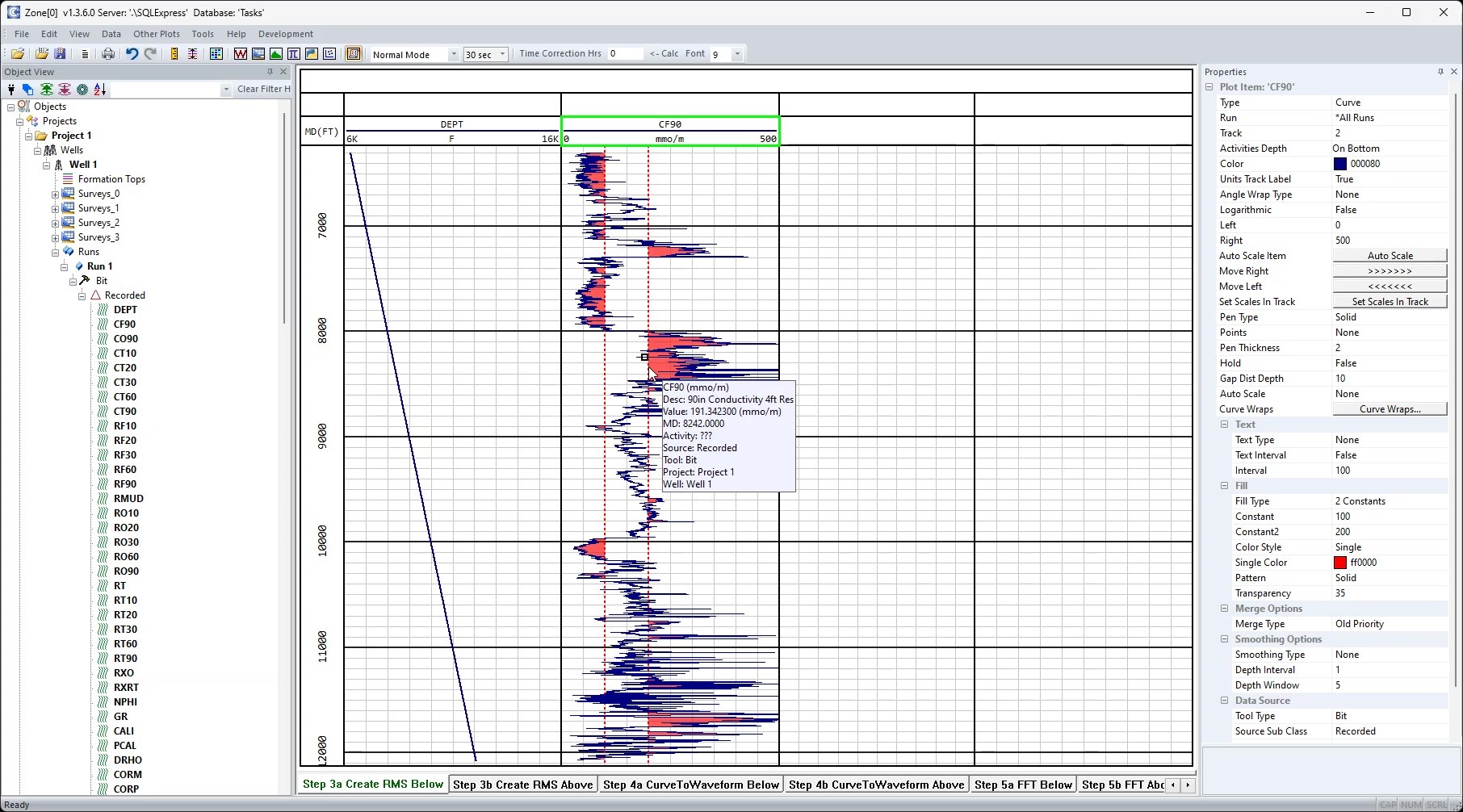
- Area fills: To the track edge, to a constant, between two constants or to another curve, plus severity fills, in a single color or a palette.
- Smoothing: Closest, Gaussian, exponential, maximum, minimum or median, shown on the plot and savable as a new curve.
- Linked cursors with cursor stats, a ruler, Go To and zoom.
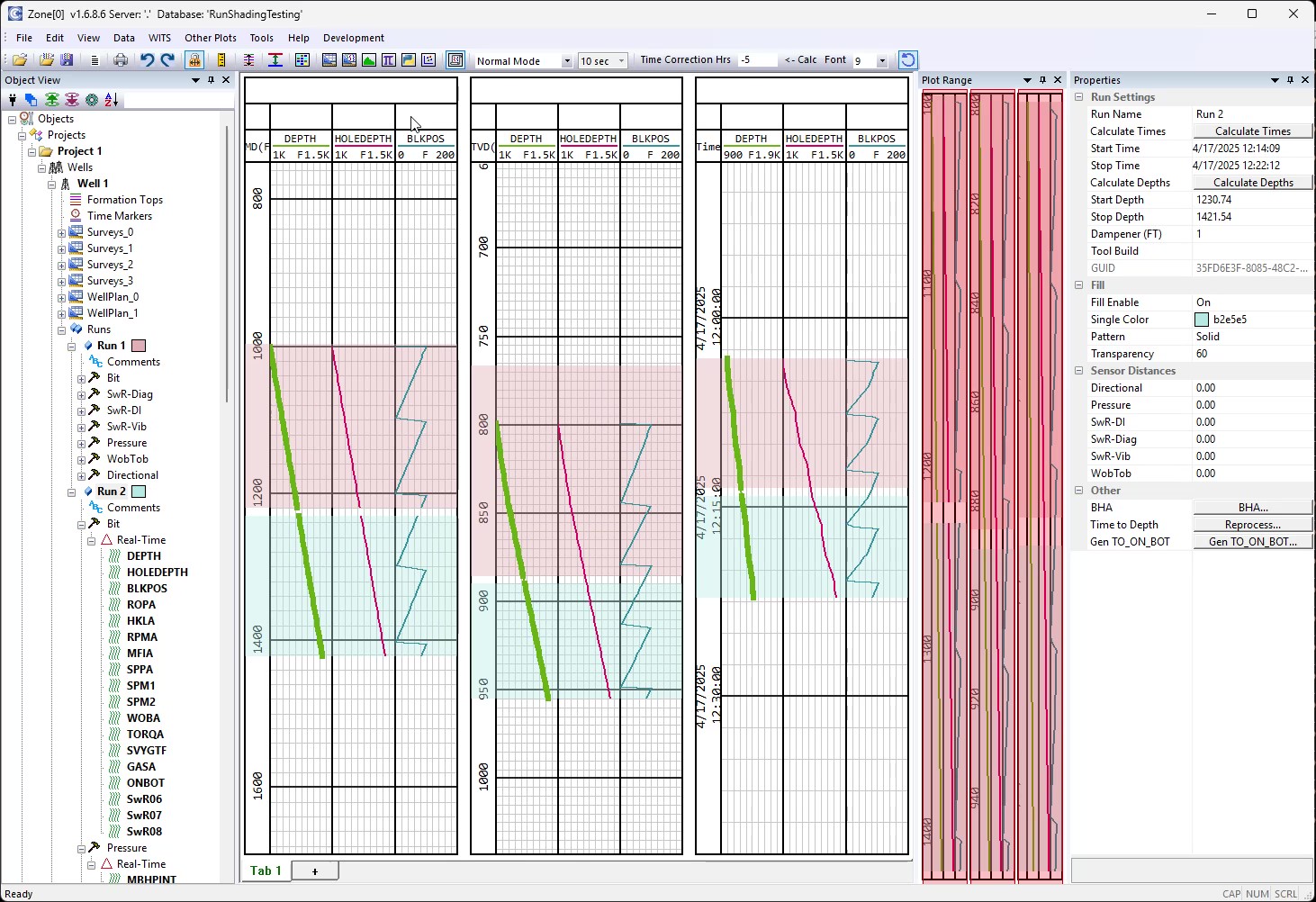
- Annotations, time markers, formation tops, run comments, run shading and curve wrapping.
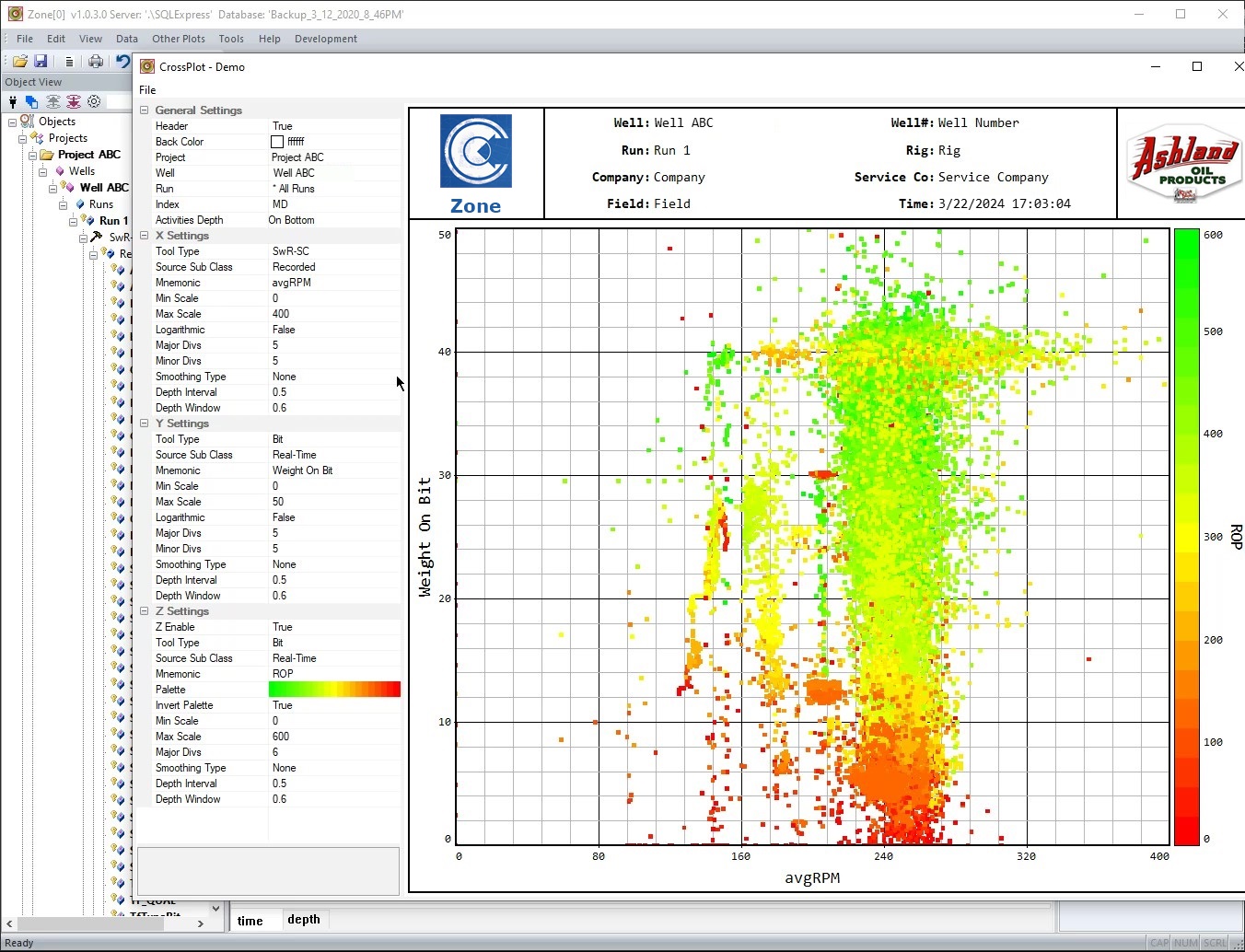
- Cross plots and histograms.
- A plot settings library and copy/paste of plot, track and item properties.
Dashboards
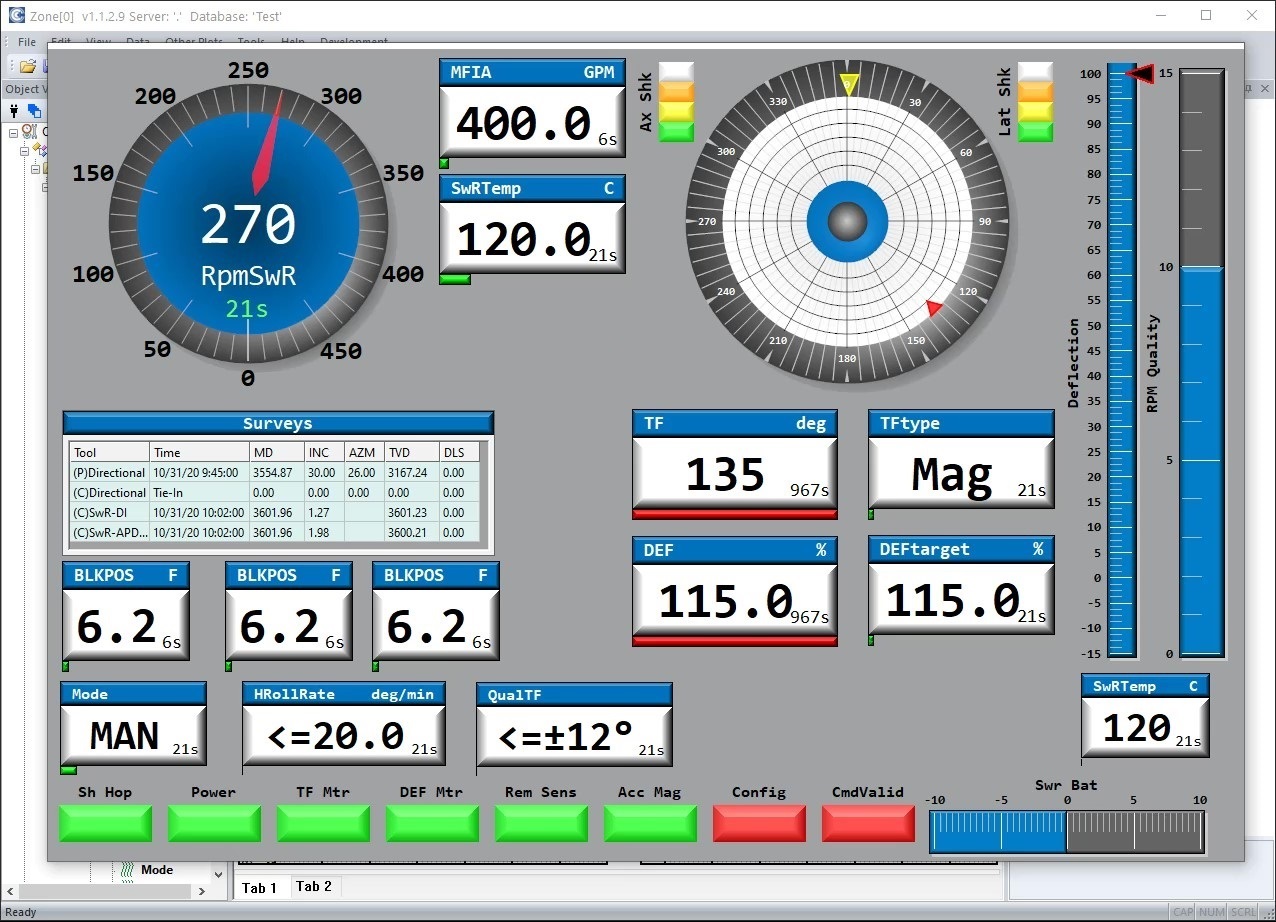
- Completely configurable: add, size and arrange gauges, LEDs, trends, tables, toolface, polar plot, surveys, clock and image widgets.
- Show real-time data as it arrives, or replay a finished job in playback mode for post-job "real-time" analysis.
Surveys and directional
- Survey import and calculations: DLS, build rate and TVD.
- Well plans, survey plots, and 3D and multi-well 3D views.
- Survey reports to PDF and CSV.
Drilling calculations
- Important KPIs such as Effective Toolface and Toolface Efficiency, plus ROP, drilled footage, connection times and rotating time.
- On/off bottom, slips, rotary and flow status, and motor and bit RPM.
- Time-to-depth correlation.
Data processing
- Math expressions, including real-time math, and Python scripting with numpy.
- Smoothing, resampling, depth and time shifting, time alignment, nullifying data and arrays.
- Accumulators, burst data and frequency analysis, relogging, and Task Packages for batch processing.
Output
- Write LAS, CSV and DLIS files, and WITSML out.
- Print, including to PDF and TIFF.
- Bulk Print: One button produces 1", 2" and 5" logs, survey reports in PDF and CSV, survey plots, log TIFF files, and LAS and CSV data files.
- Email Scheduler: Emails Bulk Print deliverables to the people you choose at set times each day, as attachments or in one .zip file, through your own mail server.
- Copy to Excel and export annotations as JSON.
AI assistant
- Connects to Claude Desktop, ChatGPT Desktop and other AI apps.
- Lets you ask questions about the loaded data, capture plots, add annotations and time markers, run drilling calculations, smooth curves, shift data and much more.
Companion tools
Every Zone license includes support and updates.
Screenshots